Streamer Wands
Let your viewers see your Noita wands without opening inventory
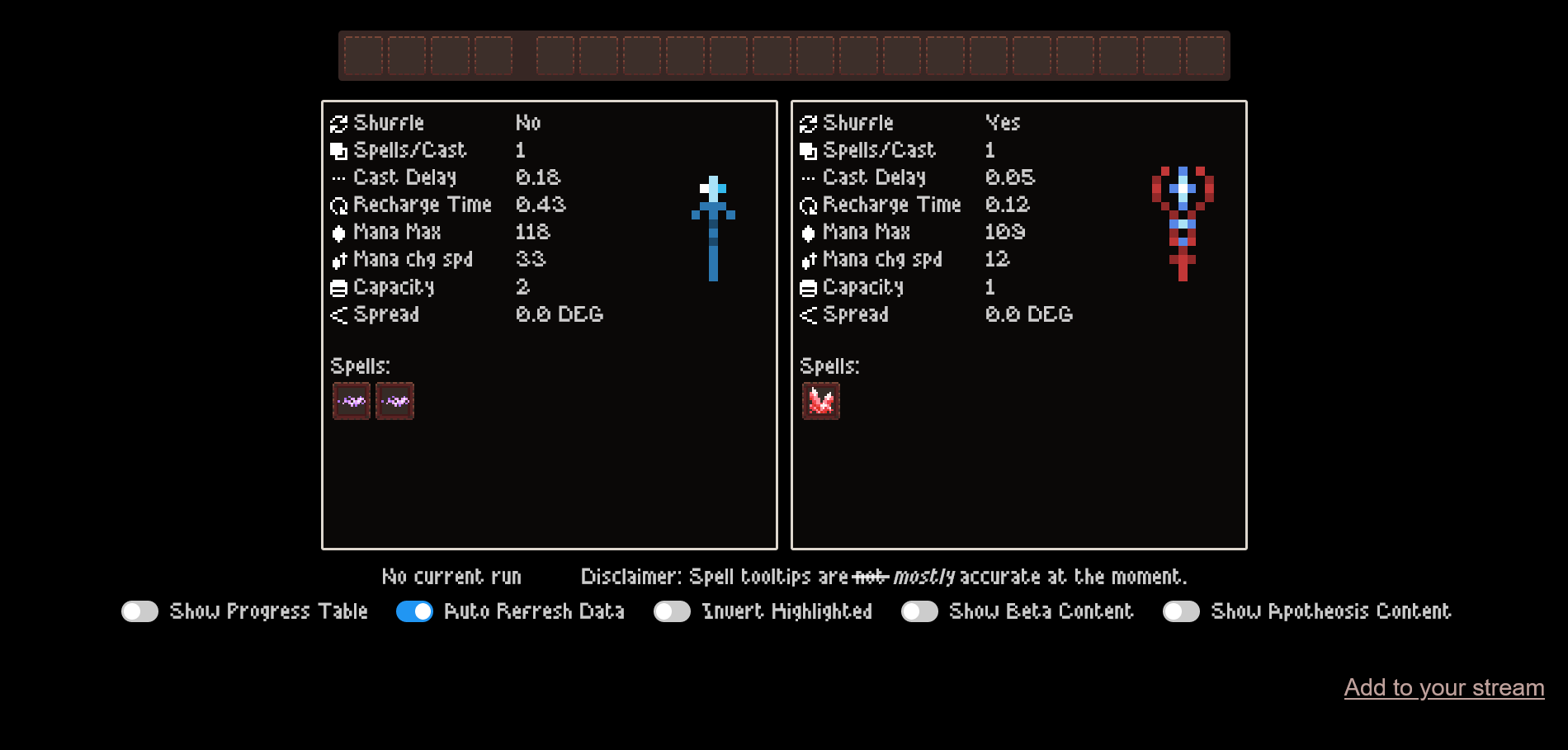
Major Noita streamers like DunkOrSlam, Aliasbot, FuryForged, Letaali use the Streamer Wands mod, here’s what DunkOrSlam’s viewers will see, for example, by typing !wands command in his chat: https://onlywands.com/streamer/dunkorslam. Your link will be https://onlywands.com/streamer/cohhcarnage after you get it working.
Download
Download the mod from the Onlywands page. After you login with twitch you’ll get your own build of the Streamer Wands mod.
streamer_wands/token.lua on stream! It contains sensitive auth info.Unpack
Uncompress it and move the streamer_wands folder into the mods folder in Noita (Steam –> right click Noita –> Local files), mine is located in C:\Program Files (x86)\Steam\steamapps\common\Noita\mods.
Enable
Launch Noita, click “Mods”, click “Unsafe mods: Disabled”, click “Yes” (this is due to deeper game integration requirements), click on “Streamer wands” in the mods list so it shows [x].
Test
Test it: launch new game, open https://onlywands.com/streamer/cohhcarnage in your browser, drop one of the wands, the website should automatically update after a short delay, showing that you have only wand.
Add chat bot command
Add a !wands command to your bot with something like “Cohh’s current wands: https://onlywands.com/streamer/cohhcarnage”.
Enjoy!
Have fun, run fast and throw hard!